A Google Business Profile is the free listing that puts your construction company on Google Maps and in the local results when someone nearby searches for a contractor. Done right, it brings calls from people in your service area who are ready to hire. Left empty or unclaimed, those jobs go to the competitor whose profile looks complete and trustworthy.
This guide walks through the whole setup in plain language: what to click, what to write, and the small mistakes that quietly cost contractors calls. Most of the work takes under an hour, and it is free.
Why does a Google Business Profile matter for contractors?
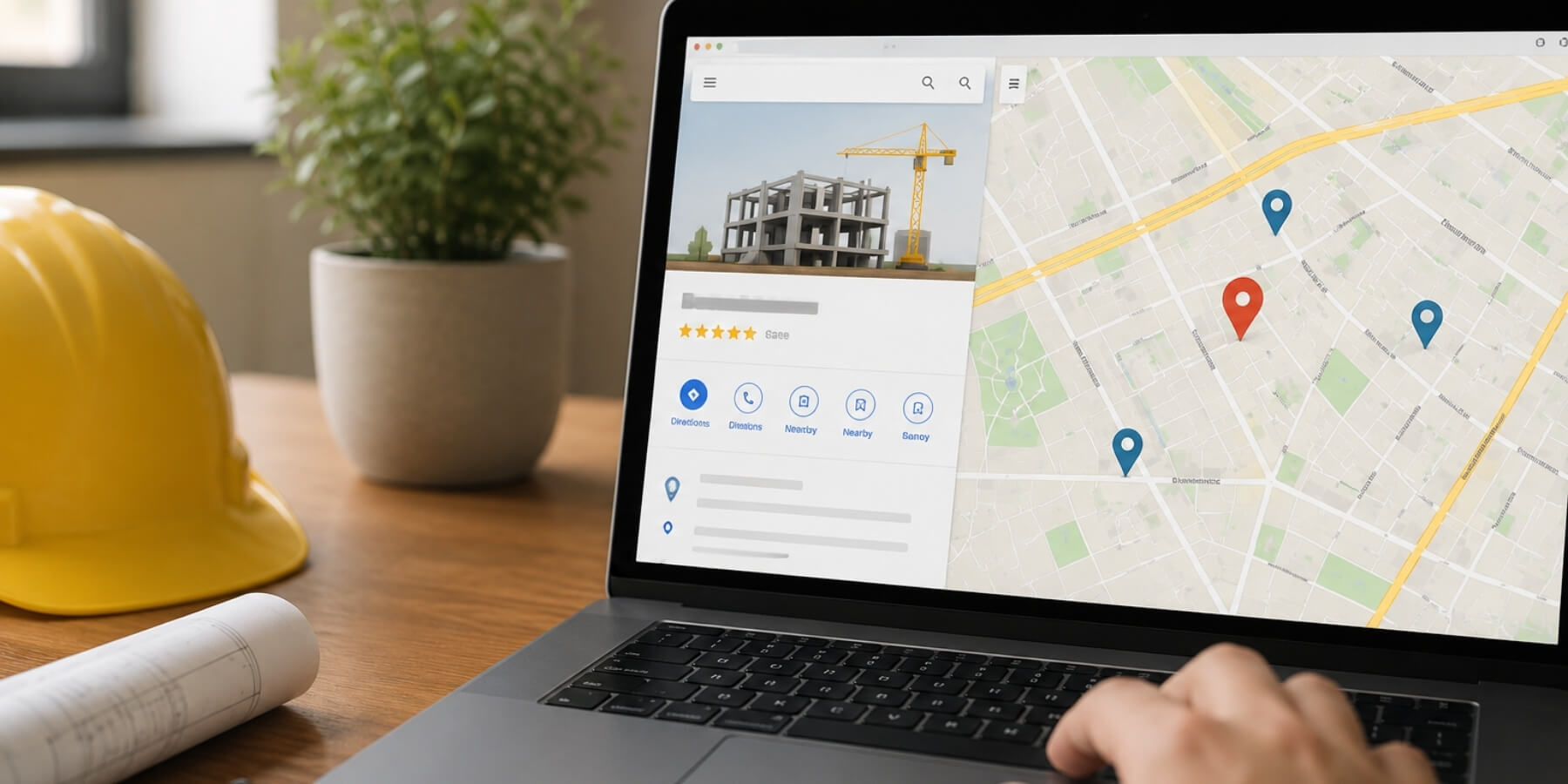
Most people looking for a contractor start on Google. When they search excavation contractor near me or sewer repair in their city, Google shows a small map with three businesses at the top. That block is the map pack, and it takes a large share of the clicks before anyone scrolls down.
You do the same yourself: tap one of the first results, check the reviews and photos, and call. Your customers are no different when a pipe fails or a project needs a bid.
Your profile decides whether you appear there. It also shows your phone number, hours, reviews, photos, and a tap-to-call button, so a buyer can reach you in seconds.
A missing profile hands that first impression to someone else. A strong one can outrank bigger companies in your own town, because Google rewards listings that are complete, active, and close to the searcher. Your profile is a core part of local SEO for contractors, and it works best alongside the steps in our local SEO checklist.
How do you create and claim your profile?
Go to google.com/business and sign in with a company Google account, not your personal Gmail. Using a business account keeps ownership clean if a staff member ever leaves. Then work through these steps:
- Enter your exact business name, spelled the way it appears on your trucks and invoices.
- Search first to see if a listing already exists, since Google often creates one for older companies.
- If a listing is there, click Claim this business. If not, choose Add your business to Google.
- Pick the business type. Most contractors are a service-area business rather than a storefront.
- Add your main phone number and website address.
Keep your name, address, and phone number identical to what is on your website and directories. Google trusts consistency, and even small differences can hold back your ranking.
If several people help with your marketing, add them as users inside the profile instead of sharing one login. That keeps control with the business and lets you remove access anytime.
How do you verify your profile?
Verification proves the business is really yours, and Google will not show your profile publicly until it is done. The method depends on your business and location:
- Video verification: record a short clip showing your work van, equipment, branded gear, and the area you operate in.
- Phone or text: Google sends a code straight to your business number.
- Postcard: Google mails a code to your address, which can take up to two weeks to arrive.
Video is now the most common route for contractors, and usually the fastest. Have your truck, tools, and signage ready before you start recording, to finish in one take.
If an attempt fails, do not create a second profile to try again. Wait, reach out to Google support, and retry with the same listing, because duplicate profiles can get both versions suspended.
Which category and services should you choose?
Your primary category is the single most important choice on the profile. It tells Google what you do and which searches to place you in, so pick the one that matches your main work, such as excavating contractor, general contractor, or plumber.
Then add secondary categories for your other services. A company that does boring, trenching, and utility work can add each as its own category, which widens the searches you appear in.
Under the services section, list the specific jobs you do in the words customers actually type. Use sewer line replacement, hydro excavation, or directional drilling, rather than internal names only your crew would know.
How do you set your service area?
Because most contractors travel to the job, you run a service-area business. During setup you can hide your street address and instead list the cities, counties, or regions you cover. This is the right choice for anyone without a walk-in office.
List only the areas you truly serve and can reach on time. Adding places you do not work looks spammy to Google and frustrates callers you cannot help. Honest, local coverage performs better than a long, padded list.
If you cover a wide region, group it by county or metro rather than listing dozens of small towns. Google reads the intent either way, and a shorter list is easier for customers to scan.
What should go in your photos, description, and details?
A complete profile ranks higher and earns more trust than a bare one, so fill in every field. Add real photos of your own work, not stock images, because buyers want to see your actual crews and finished jobs.
- Photos: your trucks, equipment, team, and before-and-after job sites.
- Business description: up to 750 characters on what you do, where, and who you help.
- Hours: accurate, including holiday and after-hours details.
- Attributes: badges like family-owned or emergency service when they apply.
- Links: point your website and any booking button to your main service pages.
The photos do not need a pro camera. A few clear phone shots in good daylight work fine, as long as they show real jobs.
Refresh your photos every few weeks with recent work. A profile that keeps showing new job sites signals to Google that the business is active, and that steady activity helps your local ranking.
What setup mistakes should contractors avoid?
A few errors show up again and again, and each one quietly costs calls. Watch for these:
- Adding keywords or your city to the business name. Use your real name only.
- Picking a vague primary category when a specific one fits your main work.
- Leaving the description, hours, or services blank.
- Listing service areas far outside where you actually work.
- Setting the profile up once and never touching it again.
Avoid these and you are already ahead of most contractors in your area.
How do you keep the profile working after setup?
Setup is the start, not the finish. A few simple habits keep the calls coming and lift you above quieter competitors:
- Post updates: share a recent project or a short service note every week or two.
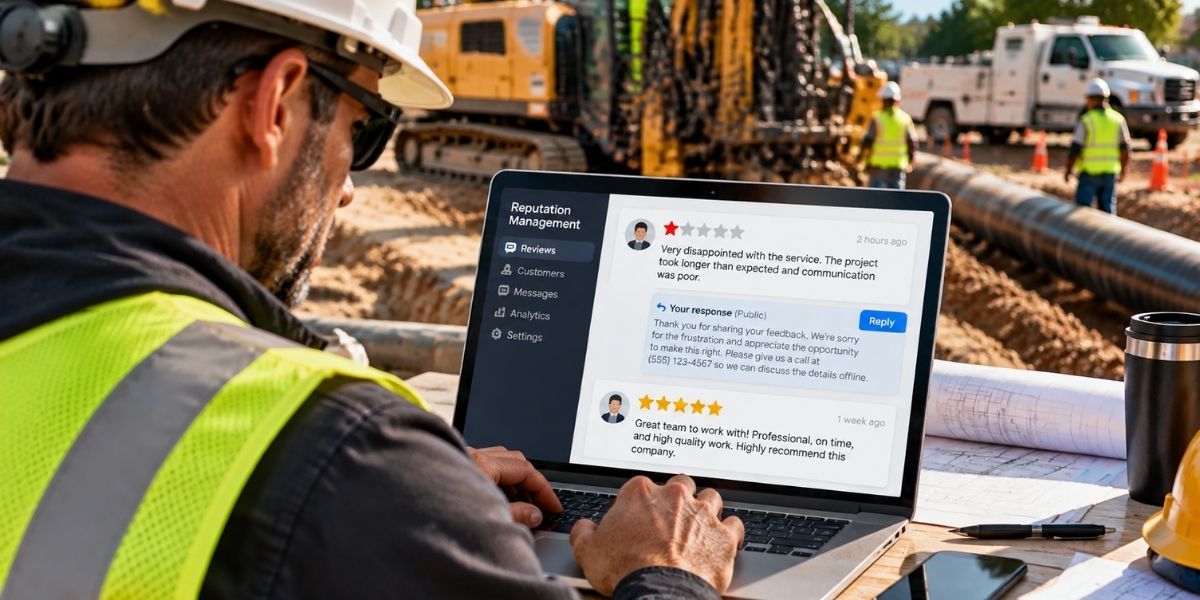
- Reply to every review, positive or negative, in a calm and professional tone.
- Answer questions in the Q and A box quickly, before a competitor or a stranger does.
None of this takes long, and it all tells Google your business is real, active, and worth showing. If you would rather hand it off, Trenchless Marketing Agency manages profiles for contractors across the US and Canada. A complete profile pairs best with a strong site, so it helps to fix any website mistakes that lose bids too. Over a few months, that effort adds up to steady movement in the local results.
Frequently asked questions
Is a Google Business Profile free?
Yes. Creating, claiming, and managing your profile costs nothing. You only pay if you decide to run Google Ads, which is separate.
How long does verification take?
Video and phone verification are often same-day. Postcard verification can take up to two weeks, so start the process early.
Do I need a physical office to have a profile?
No. A service-area business can run a full profile without showing an address, which suits most contractors who work on site.
Can I have more than one profile?
Only if you have separate physical locations. One business covering one service area should keep a single profile, or Google may suspend the duplicates.
What is the most common setup mistake?
Choosing the wrong primary category or leaving fields blank. Both quietly limit how often you show up when buyers search.
Want this handled for you?
We do this for trenchless contractors every day. Book a free strategy call and we will map a plan for your market.